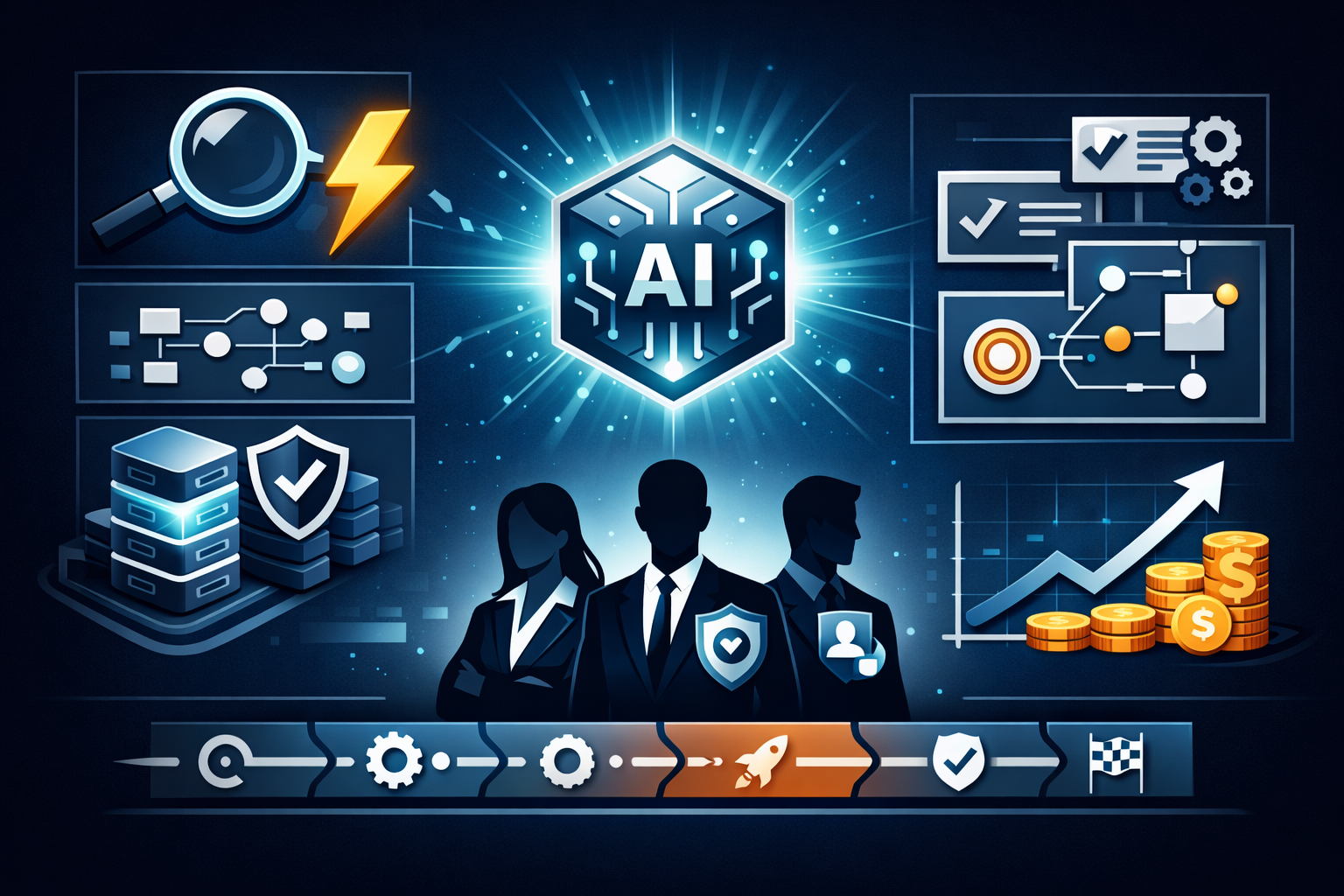
Automation of WEB processes in small and medium-sized businesses: more efficiency — less costs


Content
- Introduction
- Advantages of automation
- What processes should be automated?
- Tools and platforms
- Stages of implementation
- Mistakes and risks
- Cases and practical tips
- Conclusion
Introduction
Automation of WEB business processes in small and medium-sized businesses is not a luxury, but a necessity. In the era of the digital economy, companies, even with limited resources, can significantly improve work efficiency, reduce operating costs, and improve service quality through the introduction of modern web tools. WEB processes are defined here as those operations that rely on web interfaces, cloud services, online forms, and Internet interaction.
In the article, we will analyze the key areas of automation, criteria for selecting processes for automation, popular tools and a practical implementation plan, as well as typical mistakes and ways to avoid them. The material is aimed at managers, business owners and IT-responsible persons of small and medium-sized businesses.
Advantages of automation
Save time and costs.
Improve quality and reduce errors.
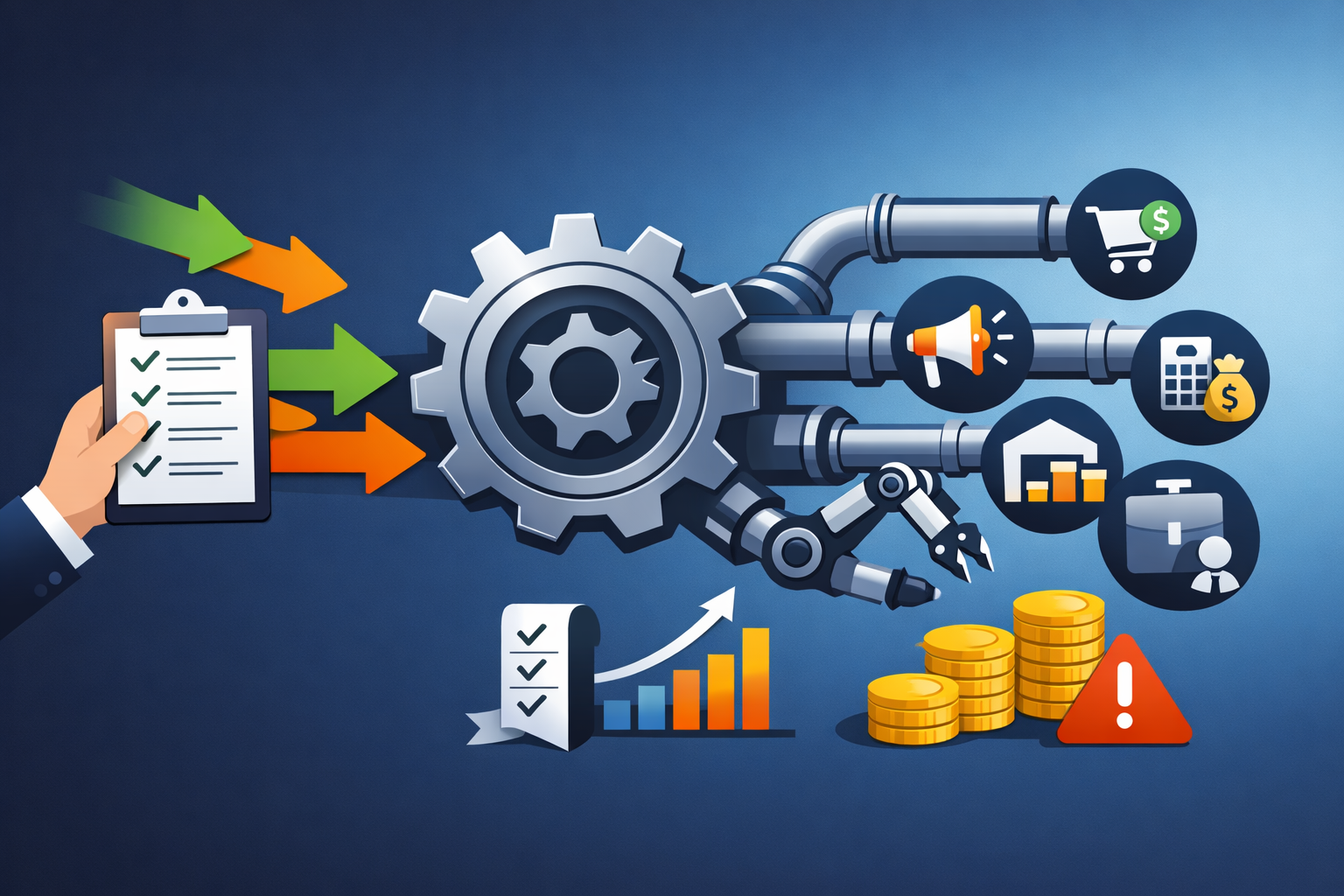
What processes should be automated?
When choosing processes for automation, it is worth relying on several criteria: the volume of repeated operations, the criticality of errors, the frequency of execution and the impact on the customer experience. The main categories of processes are listed below:
- Lead processing and CRM.
- E-commerce.
- Accounting and billing.
- Logistics and warehouse.
- Marketing and communications.
These processes cover most of the typical tasks of small and medium-sized businesses and, with proper automation, have a quick effect.
Tools and platforms
The choice of tools depends on the budget, the required flexibility and the availability of integrations. Let's look at several categories of solutions:
- CRM systems
- Automation platforms
- Online store management systems
- Mailing and marketing services
- Own web applications and scripts
A combined approach often gives the best result: CRM + integration platform + specialized accounting/logistics module.
Stages of automation implementation
The automation implementation process can be divided into several successive stages:
- Analysis of current processes.
- Planning and pilot.
- Integration and configuration.
- Staff training and launch.
- Monitoring and optimization.
The key to success is a gradual approach: start with small tasks and expand automation as you gain experience.
Mistakes and risks
When implementing automation, a business faces several typical risks: overautomatization, insufficient testing, lack of backup procedures, and poor employee adaptation. Over-automation can lead to increased complexity and dependence on external services.
To minimize risks, follow simple rules: automate only proven and repeatable processes, ensure logging and monitoring, have a rollback plan, and do not forget about data protection and compliance with legislation (for example, storing personal customer data).
Cases and practical tips
Below are brief examples of how automation works in practice in SMEs.:
- Online store.
- The service company.
- Cleaning company
- SaaS for autoposting on a social network
- Automating flower delivery
Practical tips at the start:
- Start with the processes that affect revenue and customer experience.;
- Document the scenarios;
- Evaluate your results in KPIs and financial metrics.;
- Use ready-made integrations to reduce the implementation time.
Conclusion
Automation of WEB business processes gives small and medium-sized businesses the opportunity to compete with large players, optimize costs and improve customer experience. It is important to approach the implementation systematically: analyze, pilot, train the team and gradually expand the scale of automation.
Properly planned automation becomes a growth tool rather than a source of problems. Start small, measure the impact, and develop processes based on real business goals.


Related articles

Smart AI Website Widget: Respond to customers instantly and increase conversions
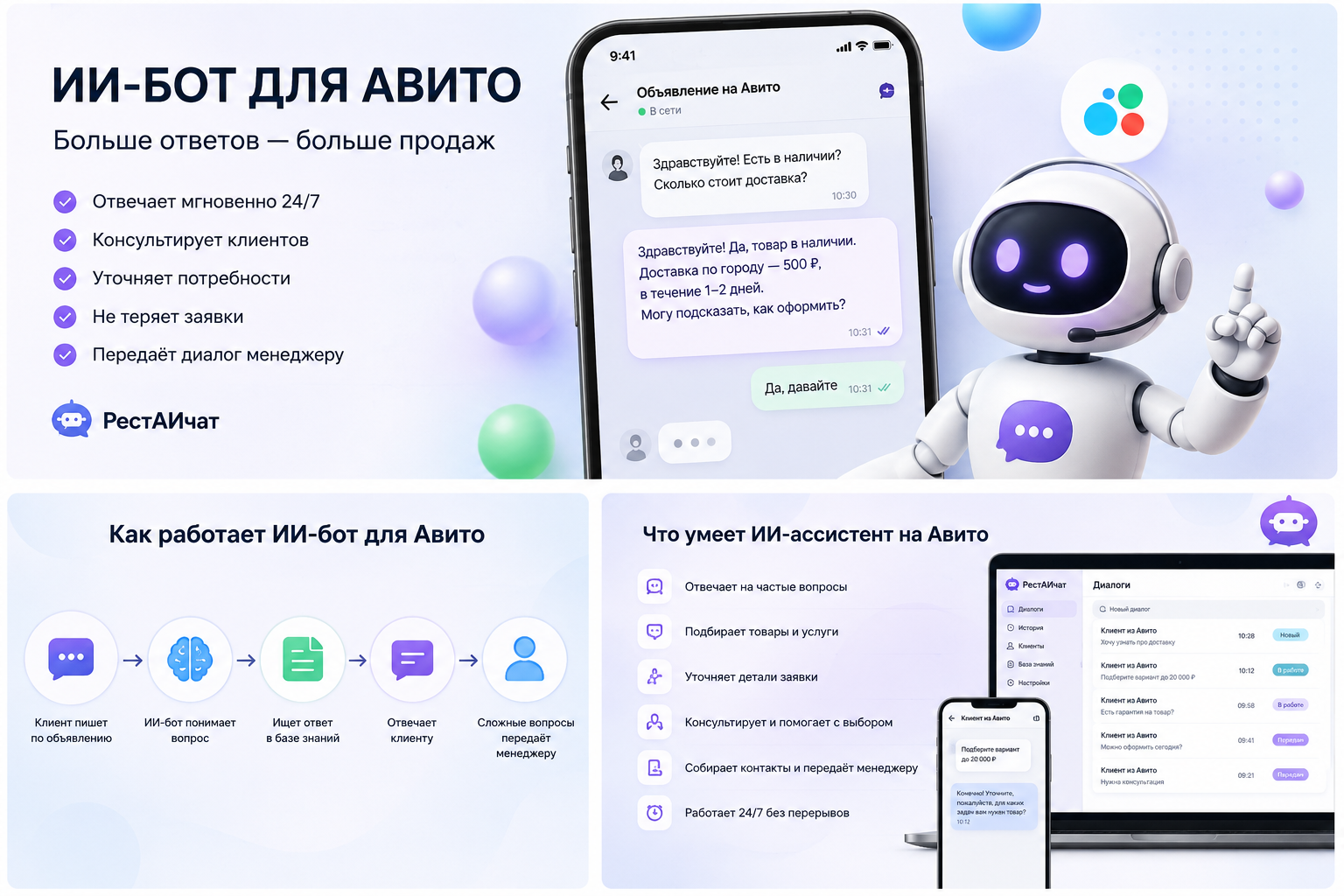
AI for Avito: how not to lose customers because of long answers
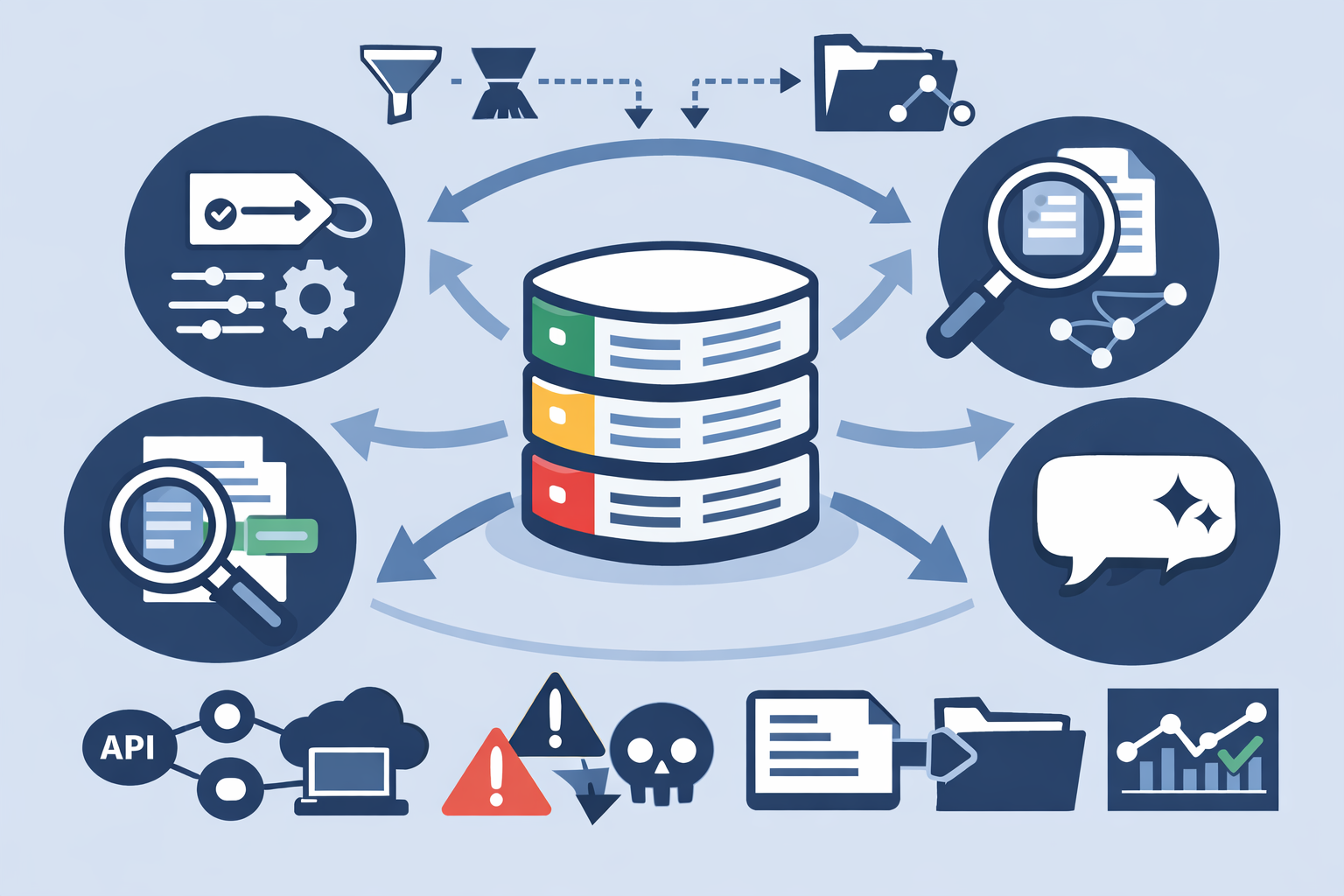
Your AI: how to train a model on your data — a practical step-by-step plan

AI agent for processing applications: automating the flow of requests and increasing efficiency
What tasks to automate in business: a practical guide