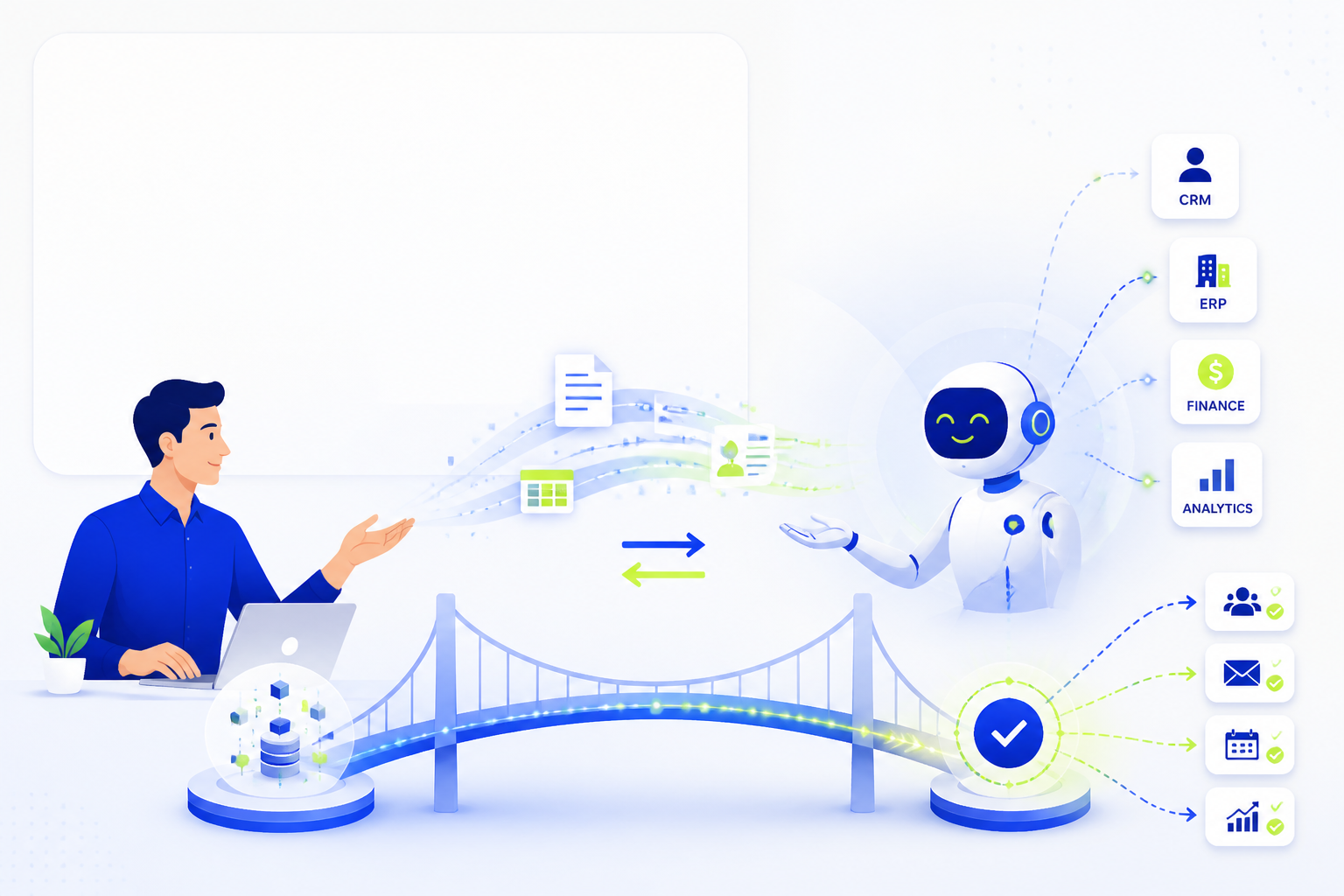
What tasks to automate in business: a practical guide


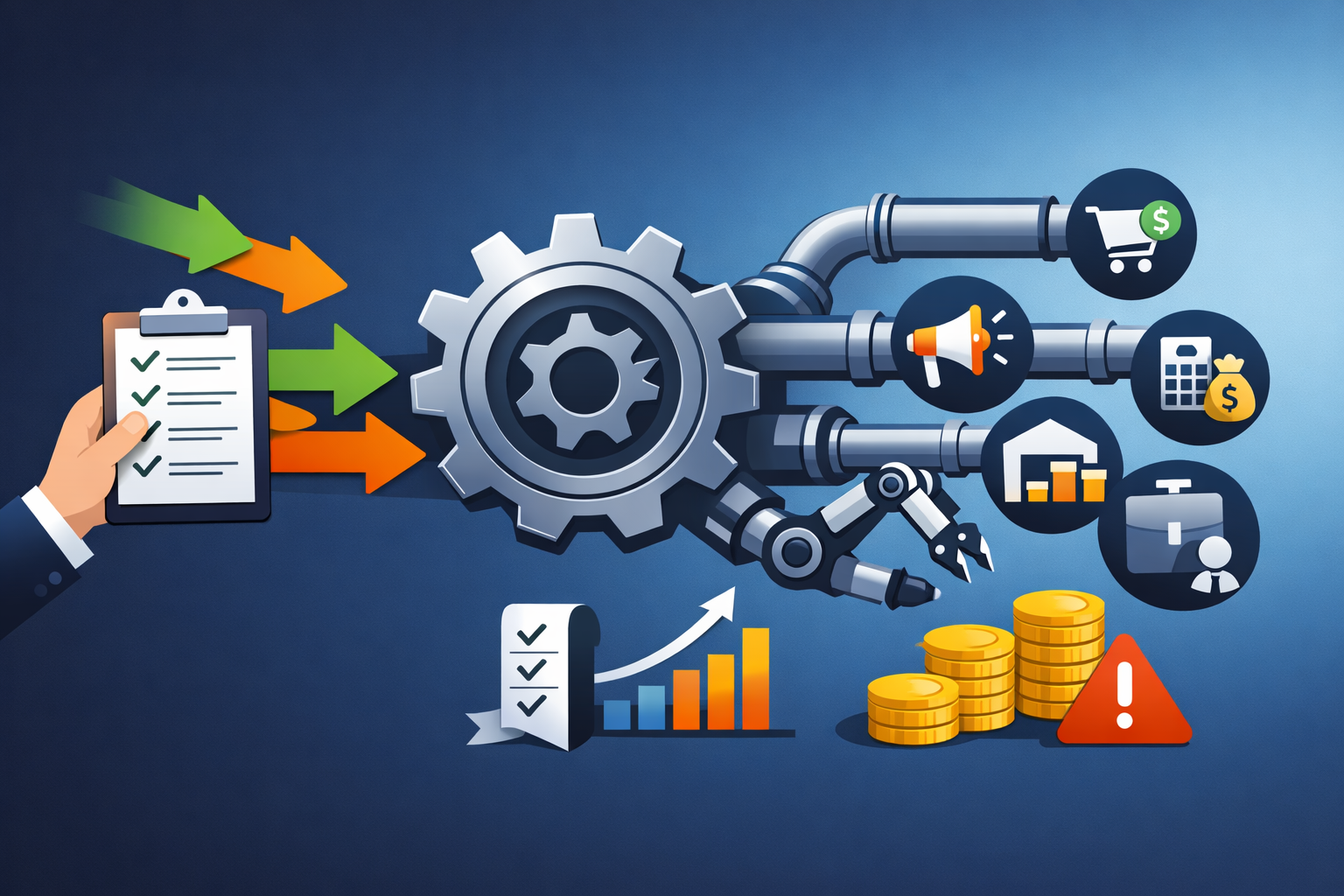
Content:
- Why automation has become a necessity
- Which processes are automated first?
- Sales and customer service
- Marketing and communications
- Finances and documents
- Warehouse, logistics and operational tasks
- HR and internal processes
- How to choose what to automate first
- Typical implementation errors
- Result
Why automation has become a necessity
Until a few years ago, automation in business was perceived as an option for large companies with an IT department and an impressive budget. Today, the situation has changed: even a small online store, service studio, or local B2B business is faced with the fact that manual process management slows down growth, increases the number of errors, and creates dependence on specific employees. When the same actions are repeated dozens of times a day, the company actually pays not for the result, but for the routine.
Automation
The effect is especially noticeable where the business is growing rapidly. While there are few applications, the manager can remember clients, the accountant can keep payments in the table, and the owner can control tasks via messenger. But as they grow, chaos ensues: leads are lost, invoices are forgotten, responses to customers are delayed, and employees are overwhelmed by small operations. At this point, automation ceases to be a buzzword and becomes a tool for sustainability.
If a task can be described as a sequence of repetitive steps with a clear result, it is likely that it can already be fully or partially automated.
Which processes are automated first?
Not all processes are equally well suited for automation. First of all, companies usually choose those areas where there are three signs: high repeatability, clear rules of execution and significant loss of time or money due to manual work. This allows you to get the economic effect faster and show the team the real benefits of the changes.
In practice, the first candidates are almost always processing applications, communicating with clients, submitting documents, recording tasks, collecting analytics and internal notifications. For example, if each new request from the site should be sent to the CRM, then assigned to the manager, and the client should receive a message about acceptance of the request, this entire route is easily described by the algorithm. This means that it can be automated almost without loss of quality.
what do employees do manually every day without making unique decisions?
- Repeatable actions:
- Operations with a high risk of errors:
- Speed bottlenecks:
Sales and customer service
One of the most obvious areas for automation is sales. Here, the price of delay is especially high: if the request is not processed quickly, the client goes to a competitor. Therefore, businesses often start by setting up a CRM system, automatically distributing leads, assigning tasks to managers, and triggering notifications. The client left a request on the website. The system created the card itself, appointed a responsible person, sent a letter or message to the messenger, and showed the manager a new lead in the funnel.
The following steps can also be automated. For example, sending a commercial offer after the lead is qualified, reminding the manager about repeated contact, changing the status of the transaction after payment, or launching a message chain if there is a prolonged absence of a response from the client. In the service business, it is useful to automate the appointment for consultations, confirmation of meetings, collection of feedback and repeated touches after a certain period.
Scenarios where previously much was based on employee discipline are particularly well-behaved. Practice shows that managers rarely forget about a client intentionally — more often they are simply overwhelmed. Automation removes the dependence on memory and manual control. According to the internal metrics of many companies, the simple implementation of auto-tasks and communication patterns increases the speed of the first response by 2-4 times.
What can be automated in sales:
- collecting applications from the website, social networks, messengers and advertising in a single system;
- appointment of a responsible rules manager;
- automatic emails, messages and reminders to clients;
- invoicing and sending documents after approval;
- control of the funnel stages and notifications of "hung" transactions.
Marketing and communications
Marketing is another area where there are a lot of routine actions. Companies regularly publish content, launch newsletters, segment audiences, track leads, mark application sources, and evaluate campaign effectiveness. If you do this manually, the team quickly starts spending more time on administration than on the promotion strategy itself.
Automation helps to build a touch system. For example, a new subscriber receives a series of welcome letters, a website visitor receives an offer to download useful material, and a customer receives a letter of recommendations or a request for feedback after purchase. If the person did not open the email, you can automatically send the second version of the subject; if you clicked on a specific sentence, send it to a separate segment. This way marketing becomes not just massive, but manageable and personalized.
It is also useful to automate analytics: collecting UTM tags, fixing application sources, conversion reports, lead cost, channel comparison. Without this, businesses often make decisions intuitively: it seems that one channel is working, but in fact another is bringing sales. Marketing automation allows you to see the picture not by feeling, but by numbers.
In communications within the team, you can also automate notifications about campaign launches, deadlines, publications, and content statuses. This reduces the number of "remind", "check", and "when will it be released" work messages and makes the process more transparent.
Finances and documents
Financial transactions require precision, and therefore benefit especially from automation. Manual billing, reconciliation of payments, sending of certificates and control of accounts receivable is not only labor—intensive, but also risky. An error in the details, a missed payment, or an untimely document can affect the relationship with the client and the company's cash flow.
Here you can automate billing using templates, payment notifications, the formation of certificates, data transfer between CRM and accounting system, control of payment deadlines and reminders to those responsible. Companies with a subscription model often automate regular write-offs, tariff extensions, and notifications about the end of the service period.
Management reporting deserves special attention. When the owner manually collects data from different tables every week, he gets a lagging picture. Automatic dashboards and reports allow you to see revenue, expenses, margins, sales funnel and debt in close to real-time mode. It's not just convenience, it's the quality of management decisions.
Financial automation is especially valuable because it reduces not only labor costs, but also the cost of error, which is usually higher in money than in any other business function.
Warehouse, logistics and operational tasks
For companies that work with goods, production, or delivery, operational processes are one of the richest sources of automation benefits. Inventory accounting, reservation of goods, formation of purchase orders, tracking movements between warehouses, shortage notifications and control of shipment dates can be converted into digital scenarios and thereby dramatically reduce the number of failures.
For example, the system can automatically reduce the balance after placing an order, warn the manager about approaching the minimum stock, create a task for the buyer, or even prepare a draft application for the supplier. In logistics, it is useful to automate the printing of documents, choosing the delivery method according to the rules, notifying customers of the order status, and monitoring time deviations.
Even companies without a physical warehouse have their own "operating system": agreement of contracts, launch of projects, distribution of tasks between departments, control of stages of service production. All of this can also be automated using business processes, statuses, triggers, and regulated transitions. When the process becomes transparent, the manager has the opportunity not to put out fires, but to manage the system.
The typical result is a reduction in manual touches, a reduction in the number of lost orders, and more precise planning. In some projects, automation of internal routes reduces the time it takes for an application to pass through departments by 30-50% in the first months after implementation.
HR and internal processes
Recruitment, adaptation of new employees, accounting for vacations, collection of documents, approval of applications and internal service processes also often remain in companies at the level of correspondence in messengers and chaotic tables. As a result, the HR department and managers spend hours on reminders, forwarding files, and monitoring statuses. Although a significant part of such actions are perfectly amenable to automation.
For example, when a new employee leaves, you can automatically start a whole chain: creating tasks for HR, the head and the IT specialist, granting access, sending a welcome letter, making appointments, monitoring the probation period. Recruiting automates the collection of responses, interview invitations, selection stages, and the storage of candidate cards.
Automatic approvals are especially useful in internal processes. Requests for vacations, purchases, payments, business trips, or access to services can follow a preset route without having to manually search for who should make the decision now. This reduces bureaucracy and makes the rules transparent to the entire team.
In addition, automation of internal processes increases the manageability of the company. The manager sees not only the end result, but also where exactly the process is stuck, which stage is the slowest, and which functions are overloaded. This is an important base for further growth.
How to choose what to automate first
The main mistake of a business is to try to automate everything at once. This approach almost inevitably leads to team overload, protracted implementation, and frustration. It's much more effective to start with processes that are both painful, understandable, and relatively quick to set up. The ideal starting scenario is where losses are already noticeable today: applications are lost, employees copy data manually, documents are sent with a delay, and the owner is forced to constantly monitor the same thing.
You can use a simple three-question filter for prioritization. First, how much time does it take to complete a task each week? Second: What is the price of a mistake? Third: is it possible to describe the process in the form of clear rules? If the answer to all three questions is yes, this is a strong candidate for automation. It is equally important to consider the willingness of the team: if employees understand the problem and support the changes, the effect is achieved faster.
In practice, it looks like this: first, the business describes the current process, then measures the basic indicators — execution time, number of errors, conversion, cost of the operation. After the scenario is implemented, these indicators are compared again. This approach shifts the conversation about automation from an abstract plane to the language of numbers.
- Start with a narrow area.,
- Measure the effect,
- Clean up the chaos before automation,
Typical implementation errors
The first common mistake is automating clutter. If the process is not initially described, employees perform it in different ways, and the criteria for the result are blurred, no service will save the situation. First, you need to define the rules, roles, and stages, and only then transfer them to the system. Otherwise, the company will get not order, but a digital version of the old chaos.
The second mistake is expecting an instant miracle. Automation does not solve all business problems at the touch of a button. It requires setting up, testing hypotheses, training the team, and adapting scenarios to real work. Often, the best results come not after the first run, but after 2-3 iterations, when unnecessary steps are removed and conditions are clarified.
The third mistake is to ignore people. If employees don't understand why a new tool is being implemented, they perceive it as an additional burden and start bypassing the system. Therefore, it is important to explain the benefits: less routine, fewer mistakes, less manual control. When the team sees that automation makes work easier, resistance decreases.
Finally, many companies forget about the owner of the process. Each automated script must have a responsible person who monitors the correctness of the work, updates the rules and monitors the result. Automation without an owner quickly becomes obsolete.
Result
There are many more tasks that can be automated in business than it seems at first glance: from application processing and marketing communications to finance, logistics, HR and internal approvals. The general principle is simple: the more repetitiveness, routine, and formal rules a task has, the higher the potential for automation. This is especially important during a period of growth when businesses need to scale without the proportional growth of chaos and operating costs.
The most sensible way is not to look for the "perfect system for everything", but to start with one or two processes where the effect will be noticeable quickly. When a company sees that responses to customers have accelerated, documents have stopped being lost, and employees have freed up working hours, automation ceases to be a theory and becomes part of the management culture.
Well—implemented automation does not depersonalize a business, but rather allows people to focus on what creates real value: service, expertise, product development, and customer relationships.


Related articles

Automation of incoming calls: IVR, voice robots and AI agents for business

Automation of accounting with AI: maintaining control over data

Support officer or AI: Who really solves customer requests?
Choosing a platform for AI agents: review, comparison and checklist for business
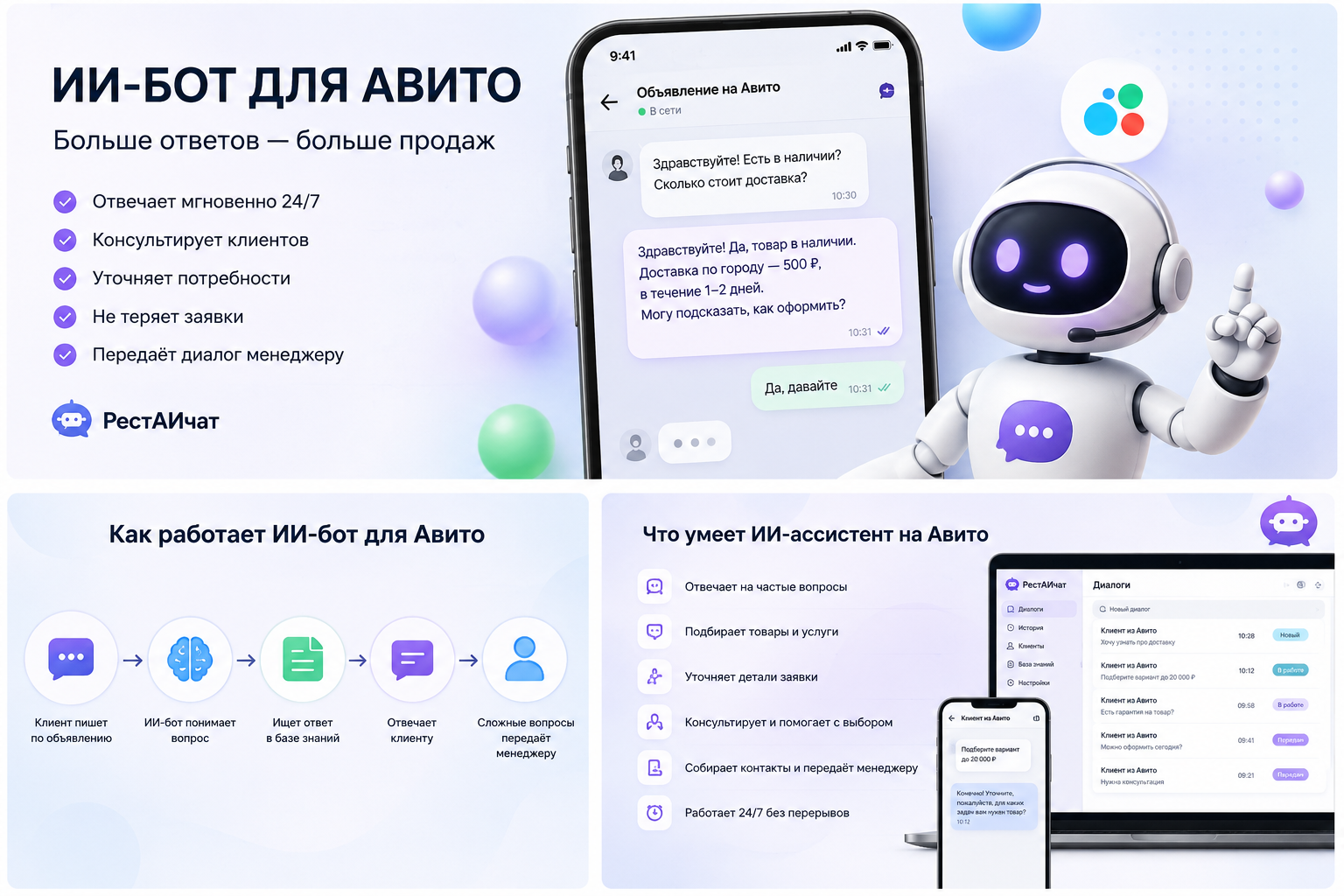
AI for Avito: how not to lose customers because of long answers