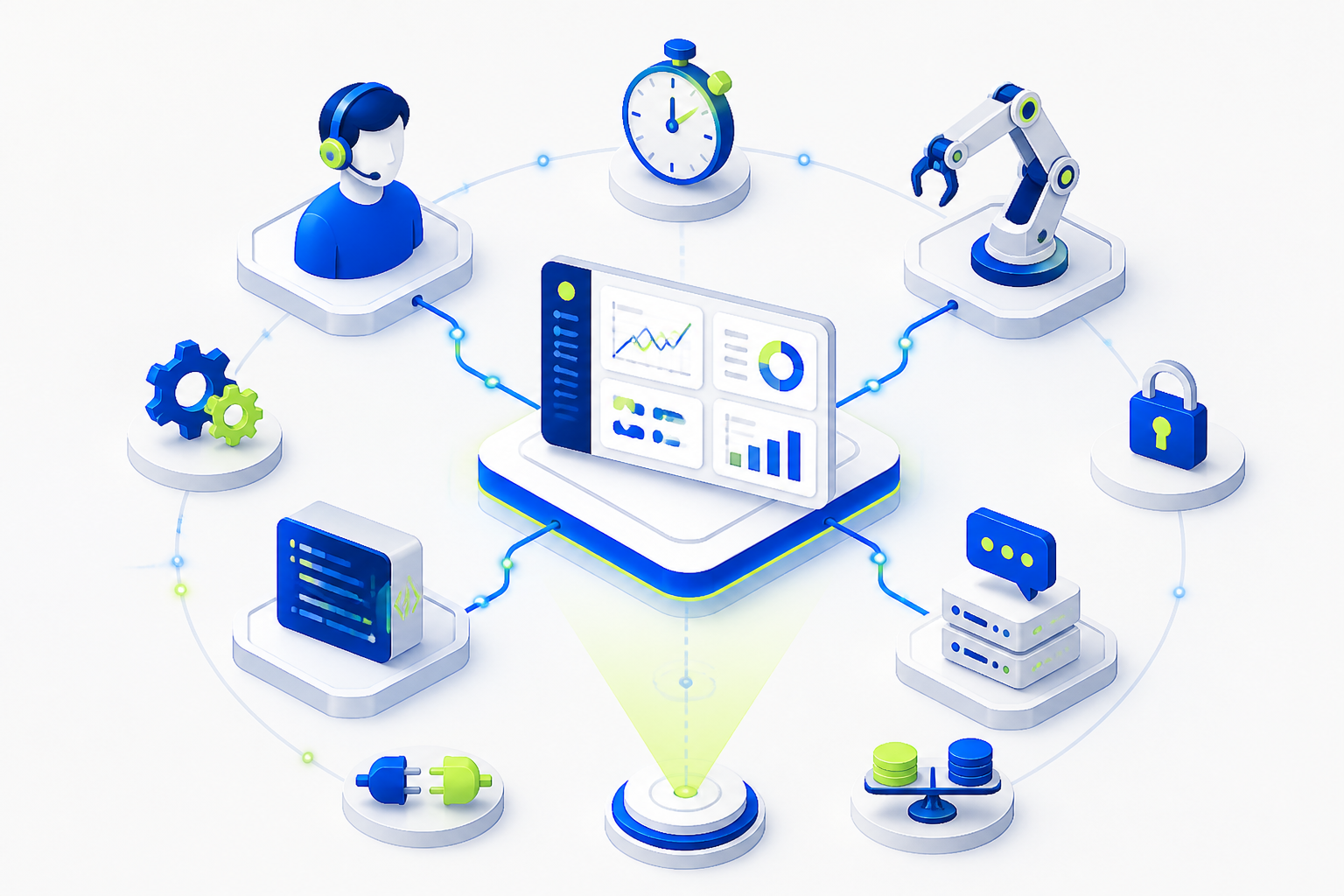
AI Agents: A Complete guide to how they work and help automate tasks



What is an AI agent?
The AI agent
Simply put, an AI agent is not just a "model that writes text." It is a bundle of a language model, instructions, memory, tools, and control rules. It can work with a browser, CRM, spreadsheets, mail, codebase, API, knowledge base, or internal business systems. That is why interest in queries like "AI agents guide", "introduction to AI agents" and "fundamentals of AI agents" is growing: companies and specialists are looking not for a toy, but for a new layer of automation.
It is important to distinguish an AI agent from a script and a classic bot. The script performs pre-described steps: if the input data has changed, it often breaks. The bot usually works according to scripts and commands. The agent knows how to choose the path: he can clarify the missing information, apply the tool, evaluate the intermediate result and change the plan. In this sense, an agent is like an intern with good instructions: he still needs a framework, control and verification, but he is already able to close entire areas of work.
The basic architecture of an AI agent usually includes several elements: a reasoning model, system instructions, memory, a set of tools, a scheduling mechanism, and a verification layer. Such an agent receives a goal, breaks it down into subtasks, performs actions, and returns the result. The better the restrictions, accesses, result format, and quality criteria are described, the more stable the agent's behavior is.
The key idea:
What is an AI agent for?
An AI agent is needed where the task does not consist of a single response, but of a chain of actions. For example, a manager needs to study a client, prepare a commercial offer, enter the data into the CRM and send an email. The task for a marketer is to collect semantics, group queries, make a content plan, and prepare briefings. The developer needs to find the cause of the error, propose a fix, write tests, and open a pull request. In all these cases, the agent can remove the routine and speed up the work.
The main advantage of AI agents is the transition from a single prompt to a controlled process. The user formulates the goal: "analyze 50 reviews and identify problems," "prepare a plan to launch the newsletter," "check the code for typical vulnerabilities." The agent chooses the sequence of steps within the specified rules. This is especially useful in operational processes where the result is repeatable and the cost of an error can be reduced by checks.
In business, AI agents are used to support clients, prepare reports, analyze documents, verify applications, maintain a knowledge base, generate content, monitor competitors, process requests, and automate internal approvals. In IT, they are used for programming, DevOps, testing, log analysis, writing documentation, and working with APIs. In education, it is used for personal study plans, checking assignments, and creating simulators.
The practical effect is clearly visible on repeatable tasks. If an employee spends 2 hours a day collecting information and preparing a report, the agent can reduce this work to 20-30 minutes of monitoring. With a specialist rate of 1,500 rubles per hour, the savings amount to about 30-40 hours per month, that is, 45-60 thousand rubles per employee. For a team of 10 people, this is already a significant economic argument, especially if the agent is embedded in the process rather than being used as a separate experiment.
Introduction to AI Agents
An introduction to AI agents should start with a simple lifecycle: purpose, context, plan, action, observation, adjustment, result. The user sets a goal, the agent gets the available context and tools, builds a plan, performs the first step, looks at the result and decides what to do next. This cycle can be repeated many times until the task is completed or until the agent encounters a constraint.
For example, an agent was assigned to prepare a review of competitors. First, it defines the comparison criteria: price, positioning, features, reviews, strengths and weaknesses. Then it collects data from open sources or an internal database, structures them into a table, draws conclusions and makes recommendations. If there is insufficient data, the agent can mark the gaps and suggest manual verification. This creates not just a text, but a controlled analytical process.
LLMPromptTool callingMemoryOrchestration
human-in-the-loop
A mini glossary to start with
- The Agent
- The tool
- Context
- Memory
- Evaluation of the result
Basics of AI Agents
The foundations of AI agents are built around five components: perception, reasoning, planning, action, and control. Perception is responsible for receiving input data: user messages, files, events from CRM, table entries, or monitoring signals. Reasoning helps to understand the purpose, limitations, and possible solutions. Planning turns a goal into a sequence of steps. The action is performed through the tools. The control checks whether the result meets expectations.
If we describe the architecture in words, it looks like this: the user or the system submits a task; the instruction layer sets the rules; the model forms a plan; the agent calls the tools; the results of the tools are returned to the context; the verification module evaluates the quality; the result is transmitted to the user or to the business system. Mature solutions additionally use action logs, limits, access roles, tests, and cost monitoring.
Memory is of particular importance. Short-term memory stores the current dialog or task. Long-term memory may include a client's profile, company style, reference books, application processing rules, and project history. But the memory must be manageable: if the agent stores unnecessary or outdated data, the quality of solutions deteriorates. Therefore, it is good practice to explicitly describe what information can be saved, for how long, and for what purposes.
Another fundamental element is the quality assessment. An agent may look convincing, but make mistakes in facts, confuse sources, or perform unnecessary actions. Therefore, metrics are set for working scenarios: response accuracy, percentage of successfully completed tasks, execution time, cost per launch, number of human interventions, percentage of errors after verification. Without metrics, an agent remains a demonstration, not a production tool.
A minimal example of the "hello-agent" logic can be represented as follows: the agent receives a user request, determines the intent, calls the desired function, and returns a structured response. Even if the implementation takes 50 lines of code, the principles remain the same: purpose, tool, result, and validation.
Task: to prepare a short sales report
1. Get a week's worth of CRM data
2. Compare with last week
3. Find deviations of more than 15%
4. Formulate the reasons and recommendations
5. Send the report to the supervisor for approval
Classification, types and types of AI agents
The classification of AI agents helps to choose the appropriate solution for the task. Not every process requires a complex autonomous agent. Sometimes a simple assistant with one function is enough, and sometimes a multi-agent system is needed, where one agent plans, the second searches for data, the third writes code, and the fourth checks the result. Making the wrong choice leads to unnecessary costs, instability, and frustration.
The reactive agentan agent with a model of the world
Goal-oriented agentsUtility-based agentsLearning Agents
multi-agent systems
| Agent type | When to use | Limitations |
|---|---|---|
| Reactive | FAQ, simple commands, classification | Doesn't work well with complex context |
| With memory | Support, personal assistants, CRM | Need a data retention policy |
| Goal- oriented | Reports, research, preparation of documents | Requires success criteria |
| Multi-agent | Development, analytics, complex projects | It is more difficult to test and control the cost |
| Offline Performer | DevOps, monitoring, regular operations | We need strict access rights and undo actions. |
The decision matrix for choosing can be formulated through questions. If the task is short and repeatable, a reactive agent is suitable. If the client's history is important, you need an agent with memory. If the result requires several steps, choose a goal—oriented architecture. If the task involves different competencies, consider an orchestrator with several specialized agents. If an agent gets access to money, personal data, or production systems, autonomy should be limited to confirmations and logging.
Development patterns
orchestrator + workers
pipeline
feedback loop
retrieval augmented generation
For production scenarios, it is worth designing not only the "smart part", but also the security contour. We need access roles, whitelisted tools, cost limits, query logging, manual confirmation of dangerous actions, test benches, and the ability to rollback. A good agent is similar to an industrial machine: it speeds up work, but requires guards, regulations, and an emergency stop button.
A practical example of an MVP agent
Let's imagine an MVP agent for processing incoming requests. The goal is to reduce the initial lead qualification time. The agent receives a letter or form, determines the client's industry, extracts the budget and need, checks the completeness of the data, creates a card in CRM and prepares a draft response to the manager.
- Define the input data: form, mail, CRM, attachments.
- Describe the qualification criteria: budget, deadline, product, region, company size.
- Set up the tools: reading the application, writing to CRM, generating emails.
- Add a check: if the budget is not specified, the agent asks a clarifying question.
- Run a pilot on 50-100 applications and measure the processing time.
In a test pilot, such a system often shows a 30-60% reduction in manual load for initial processing, but the final decision still remains with the manager. This is the right balance: the agent accelerates the flow, and the person is responsible for a commercially important contact.
How to use AI agents?
To use AI agents effectively, you need to set tasks not as a question, but as an assignment with context, constraints, and outcome criteria. A bad request sounds like this: "Do a competitor analysis." Good: "Analyze 5 competitors from the list, compare prices, USP, reviews and promotion channels, return the table and 5 recommendations for our site. Don't use unverified data, mark controversial conclusions separately."
Working with an agent begins with choosing a scenario. Ready-made agents often have a chat interface, taskbar, connection to documents, browser or services. The user chooses the agent role, grants access, sets a goal, and gets intermediate results. In a corporate environment, it is important to agree in advance which data can and cannot be transmitted to the agent. Personal data, trade secrets and financial information should be processed only according to the approved rules.
It is a good practice to use command templates. For example: "Collect the facts", "Compare the options", "Prepare a draft", "Check the risks", "Make a short version for the head". This turns the interaction with the agent into a workflow, rather than a chaotic dialogue. The more stable the input and output formats, the easier it is to measure quality.
When connecting the agent to external tools, move gradually. First, allow only reading data, then creating drafts, then actions with confirmation, and only after tests — limited autonomy. For example, an agent may first prepare emails, but not send them. After checking 200-300 successful cases, you can allow sending standard emails if the conditions are met.
Request example for a ready-made agent
Role: Customer feedback analyst.
Task: study the reviews for the last month and find recurring problems.
Data: a table with reviews, rating, and date.
Result format: 5 problems, frequency, examples of citations, recommendations.
Restrictions: do not disclose personal information, do not draw conclusions without examples.
Quality criteria: The recommendations should be applicable within 2 weeks.
This format reduces uncertainty. The agent understands the role, task, source, format, constraints, and quality criteria. As a result, the user does not receive "reflections on the topic", but material that can be applied in the work.
Using AI agents to increase productivity
The use of AI agents to increase productivity begins with the search for bottlenecks. It's not worth automating everything. It is better to choose processes where there are many repetitions, a clear result and a moderate risk: preparing reports, processing applications, classifying requests, collecting data, primary analytics, writing standard documents, checking checklists. Such tasks have a quick effect and allow you to safely gain experience.
It is convenient to divide the implementation into three stages. The first is an assistant: the agent offers drafts and hints. The second is the co—executor: the agent performs part of the process, and the person approves. The third is controlled autonomy: the agent performs typical actions within a given framework. You should proceed to the third stage only after testing, monitoring, and clear rollback rules.
To evaluate the benefits, use measurable indicators: task completion time, unit processing cost, error rate, employee satisfaction, response rate to the client, number of tasks per specialist. For example, if a support agent reduces the average response preparation time from 8 minutes to 3 minutes, a team of 12 operators saves about 83 hours with 1,000 requests per week. This is not an abstract "AI magic", but a specific resource that can be used for complex cases and service development.
AI agents are particularly well deployed in conjunction with business processes. In sales, they prepare customer cards and follow-up letters. HR specialists sort resumes, form interview questions, and maintain a database of candidates. In finance, they collect data for management reports. In marketing, they analyze semantics, ideas for AI agents, competitors, and content effectiveness. In development, they help you write tests, check pull requests, and explain complex code snippets.
But productivity should not be achieved at the cost of quality and safety. Agents should not be given uncontrolled access to critical systems. Implement an action log, limits, confirmation of dangerous operations, regular product audits, and human verification of results. The best implementations don't look like replacing employees, but like strengthening the team: routine operations go to agents, and people are left with solutions, negotiations, strategy, and responsibility.
Comparison of popular approaches and platforms
| Approach | Positive | Minuses | When to choose |
|---|---|---|---|
| SaaS agents | Quick start, ready interface, minimum development | Limited customization, privacy issues | Pilots, office tasks, small teams |
| Low-code и no-code | Convenient integration with services, fast scripts | It's harder to control complex logic. | Automation of marketing, sales, and support |
| Open-source frameworks | Flexibility, control, self-hosted capability | We need developers and DevOps | Technical products, sensitive data, custom processes |
| Own architecture | Maximum control and integration | High cost of development and support | Large companies, complex requirements, and regulations |
To calculate the TCO, consider not only the cost of the model. The budget includes development, integration, data storage, monitoring, testing, security, employee training and support. A common mistake is to count only the price of API requests. In practice, process stability, data quality, and support are no less important than the cost of tokens.
FAQ
How are AI agents used for programming?
There are several types of AI agents for programming. The simplest ones help you write code snippets and explain errors. The more advanced ones analyze the repository, propose architectural changes, write tests, create documentation, and check the pull request. There are agents for DevOps who read logs, suggest causes of incidents, and prepare teams for diagnosis. The most powerful ones work as a coding assistant inside the IDE or as an autonomous task executor in a separate environment.
When working with such agents, it is important to limit your rights. The agent can propose changes, but the application of the code, database migrations, and deployment to production must go through review, tests, and CI/CD. It is good practice to give the agent small tasks: fix a specific bug, cover the function with tests, explain the module, and find duplication. The more precise the task, the higher the quality of the result.
How does an AI agent work on a PC and in a browser?
On a PC, an AI agent can work as an application, extension, local service, or integration with work programs. It receives user commands, accesses files or applications within the limits of permissions, performs actions and returns the result. In the browser, the agent interacts with pages more often: reads the content, fills out forms, collects data, compares products, and helps with emails, documents, and web services.
Technically, the agent needs access interfaces: API, browser extension, automation of actions, connection to files or cloud services. The more accesses, the stricter the security rules should be. It is undesirable to give the agent the opportunity to send forms, delete data, or make payments without user confirmation.
Is it possible to develop an AI agent on your own?
Yes, an AI agent can be developed independently. For MVP, it is enough to choose a language model, describe the system instruction, connect one or two tools and implement the task—action—verification cycle. For example, you can create an agent that accepts a request, searches for information in a knowledge base, generates a response, and saves a log. More complex scenarios will require memory, task queues, authorization, monitoring, tests, and a management interface.
It is better to start with a narrow scenario. You should not immediately create a universal "digital employee". Choose a task with a clear result: processing applications, generating reports, analyzing reviews, and preparing test cases. Then measure the quality on real data, add constraints, and only then expand the functionality.
What are the features of AI agents in n8n?
n8n is convenient because it allows you to collect agent scripts in low-code format: link triggers, models, conditions, HTTP requests, databases, tables, mail, messengers and CRM. This is a good option for prototyping and business automation, where you need to quickly test an idea without fully developing a backend system. An agent in n8n can receive an event, access the model, invoke tools, and transmit the result to the next workflow node.
The main feature of the n8n is visual orchestration. This is convenient for teams where business users and developers work together. But complex agent systems still require discipline.: workflow versioning, error handling, limits, logging, test data, and access control. For critical processes, it is important to separate the test and production environments, as well as check which data goes into external models.
 Автор
Антон Амосов
Автор
Антон Амосов


Related articles
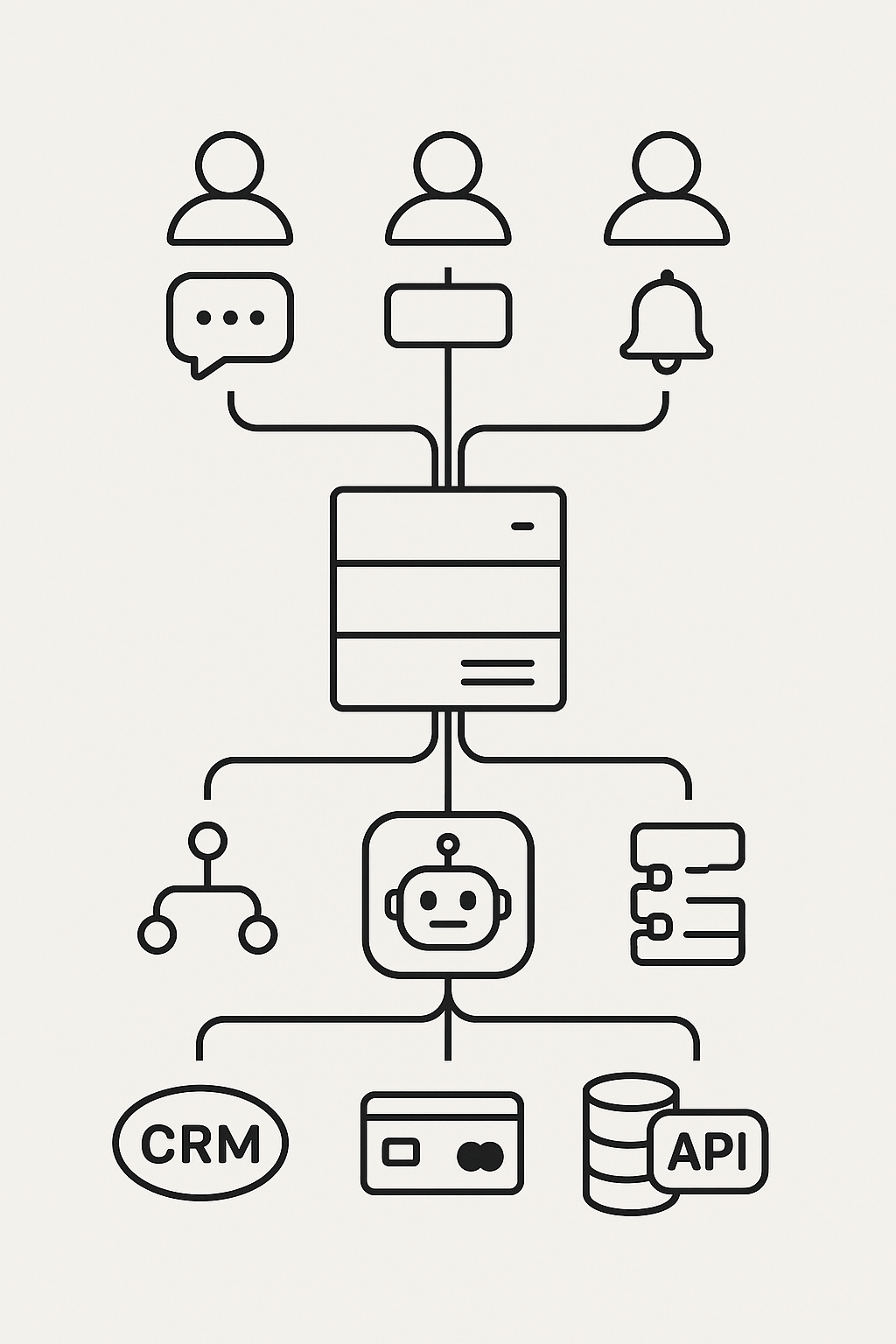
The cost of developing Telegram bots in Russia in 2025
Top 10 platforms for building AI agents: what's inside each service
AI Agent Constructor: what is really possible to assemble without a programmer and where is the code needed?
How to create an AI agent: clear architecture, tools, and typical errors
Terms of reference for an AI agent: template, structure and examples of formulations