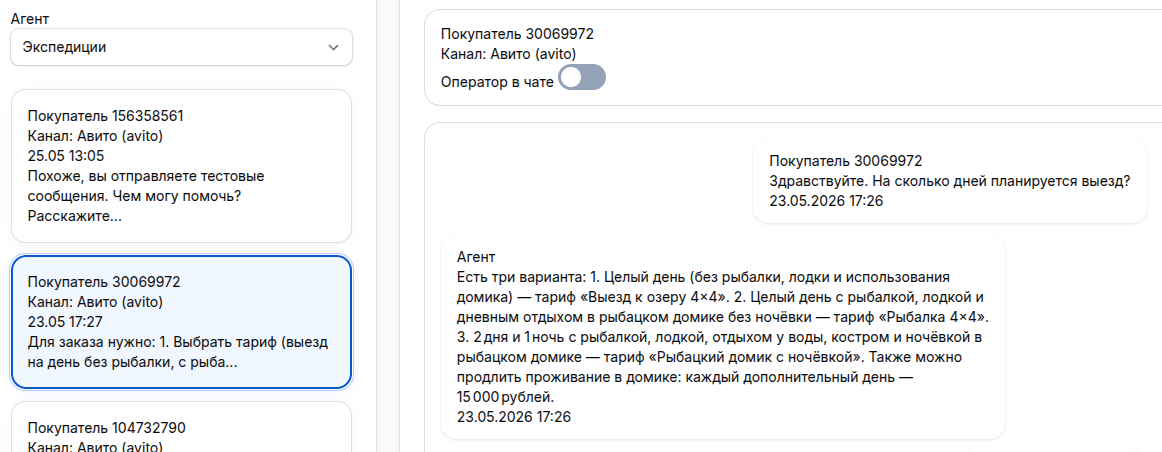
How to install an AI agent on a website in an hour: quick launch of a chat widget without errors


the chat widget in the corner of the siteresponds based on your materialstransmits the dialog to the person
Softrestchata platform for creating AI agentsthey respond according to the knowledge basein CRM
What needs to be prepared before putting an AI agent on a website
Prepare business materials in advance in files or structured text: services, prices, terms, deadlines, guarantees, and frequently asked questions. Write down separately what the agent should not do: for example, not to give discounts, not to promise non-standard deadlines, not to advise on legal issues and not to argue with the client.
- Site domain
- A channel for applications
- A responsible person
- Balance or bonus credits
The trial period includes 7 days and 200 bonus credits. This is enough to create an AI agent for the site, connect the channel, check the real questions and understand where the instructions need to be corrected.
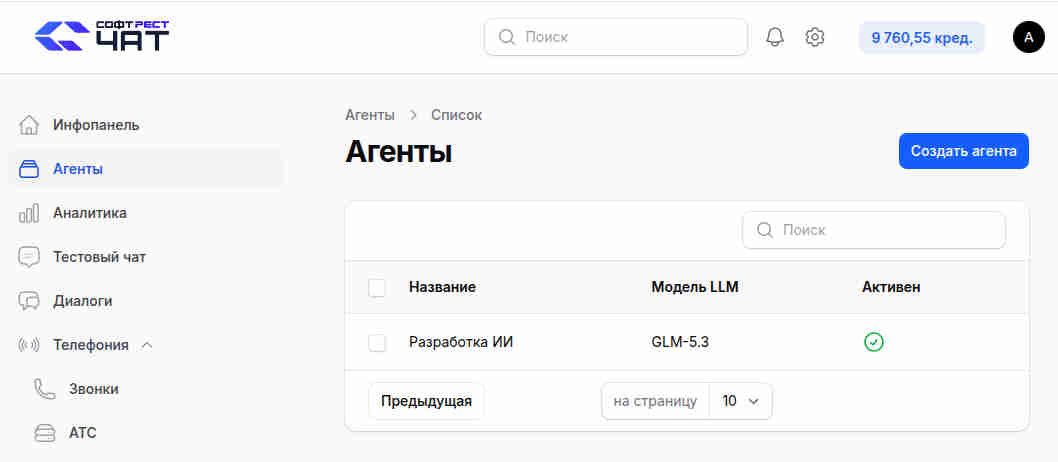
Step 1. Create an agent and write instructions
"Agents""Create an agent"
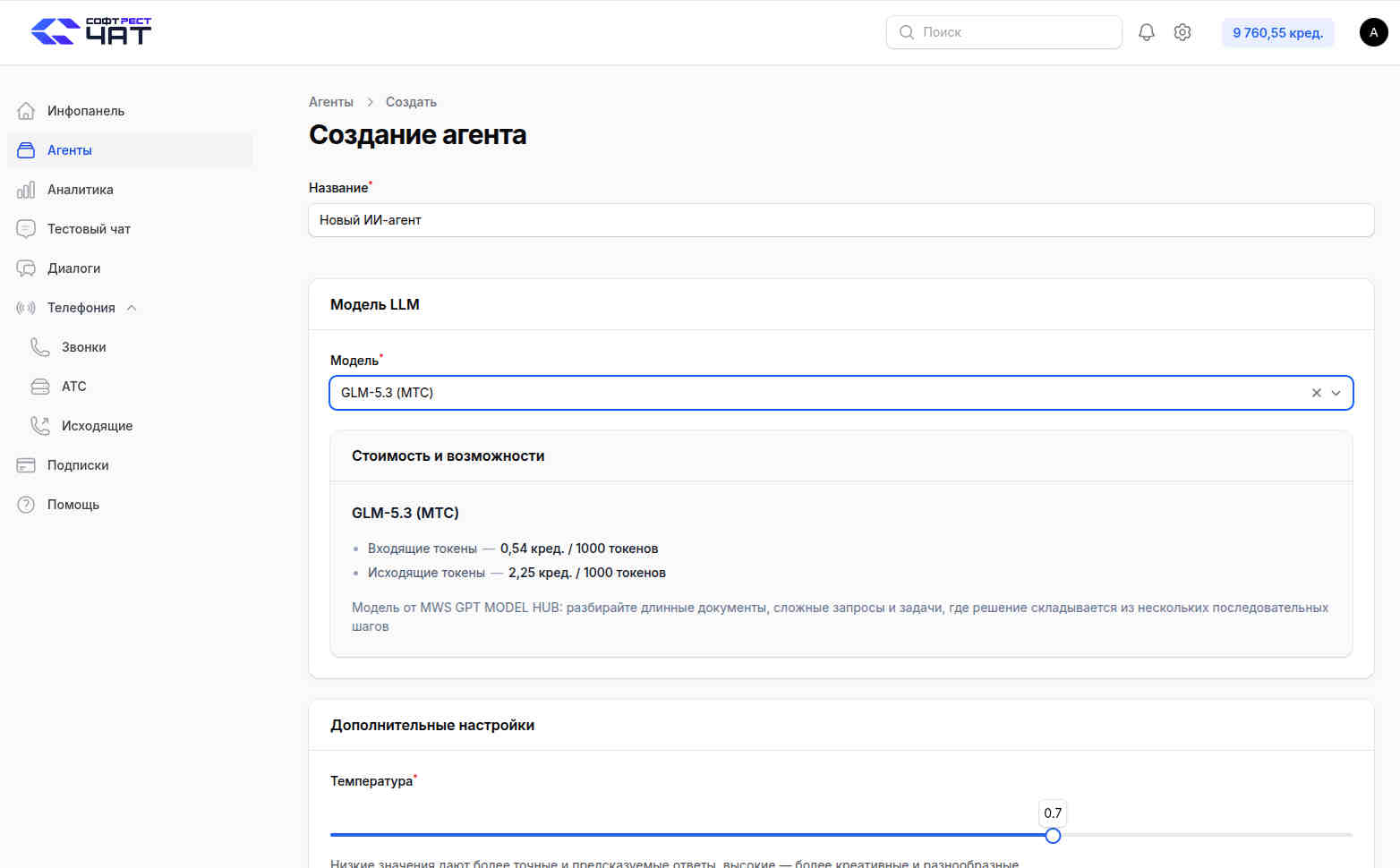
You only need the name: the client does not see it and it does not affect the quality of the dialogue. The main setting is the instruction, or prompt. It should describe who the agent is, what tasks he solves, in what tone he says that he is forbidden, and how to act in typical situations. The phrase "be a polite consultant" is weak; the rule "if asked about a discount, don't promise it yourself, offer to pass the question on to the manager" works much better.
Temperature
"Cost and opportunities"
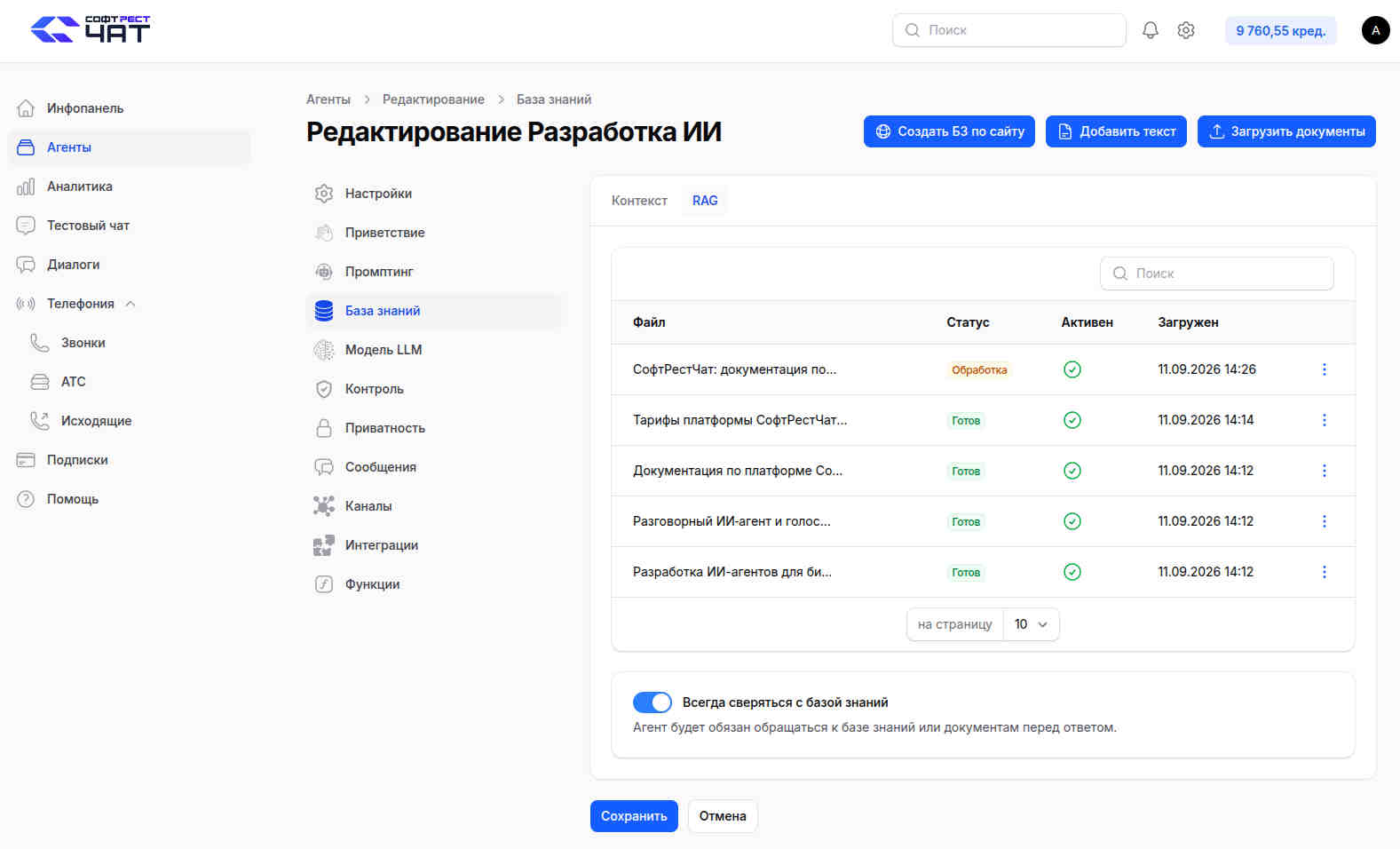
Step 2. Download the knowledge base: Context or RAG
knowledge base"Knowledge Base"
Context
Important:
Step 2a. Create a knowledge base from a website
When the site already has descriptions of services, prices, answers to frequently asked questions, delivery rules, return conditions and other reference materials, it is convenient to assemble a knowledge base directly from these pages. This method speeds up the preparation of the AI agent: instead of manually copying texts, the system itself receives materials from selected pages, then prepares them for search by meaning through the RAG approach, in which suitable fragments from the knowledge base are selected for the answer.
The step-by-step procedure for creating a database based on site texts looks like this:
"Knowledge Base"«RAG»"Create a business plan for a website"
"Links to the website"
- One link to the main website.
- Several links.
"Links""Maximum pages (1-100)"
"Assemble pages"
"Credit expense assessment""Approximate cost: 16,053 credits. 8 queries to the language model will be executed"
"Continue page selection"
Before launching, it is useful to remove service pages from the selection: shopping cart, personal account, login pages, legal templates, duplicates of sections and outdated materials. The more accurate the source texts, the more stable the agent responds to site visitors.
Step 3. Connect the "Website" channel and insert the script
"Channels""Website"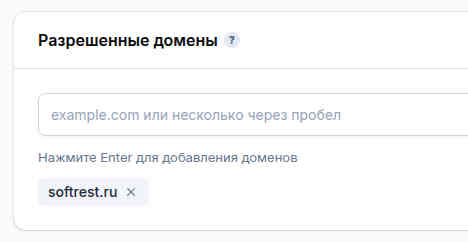
"Connection status""Channel status""The channel is active""Allowed domains"example.comhttps://
The main trap:
"Script for the website"
Step 4. Customize the appearance of the widget
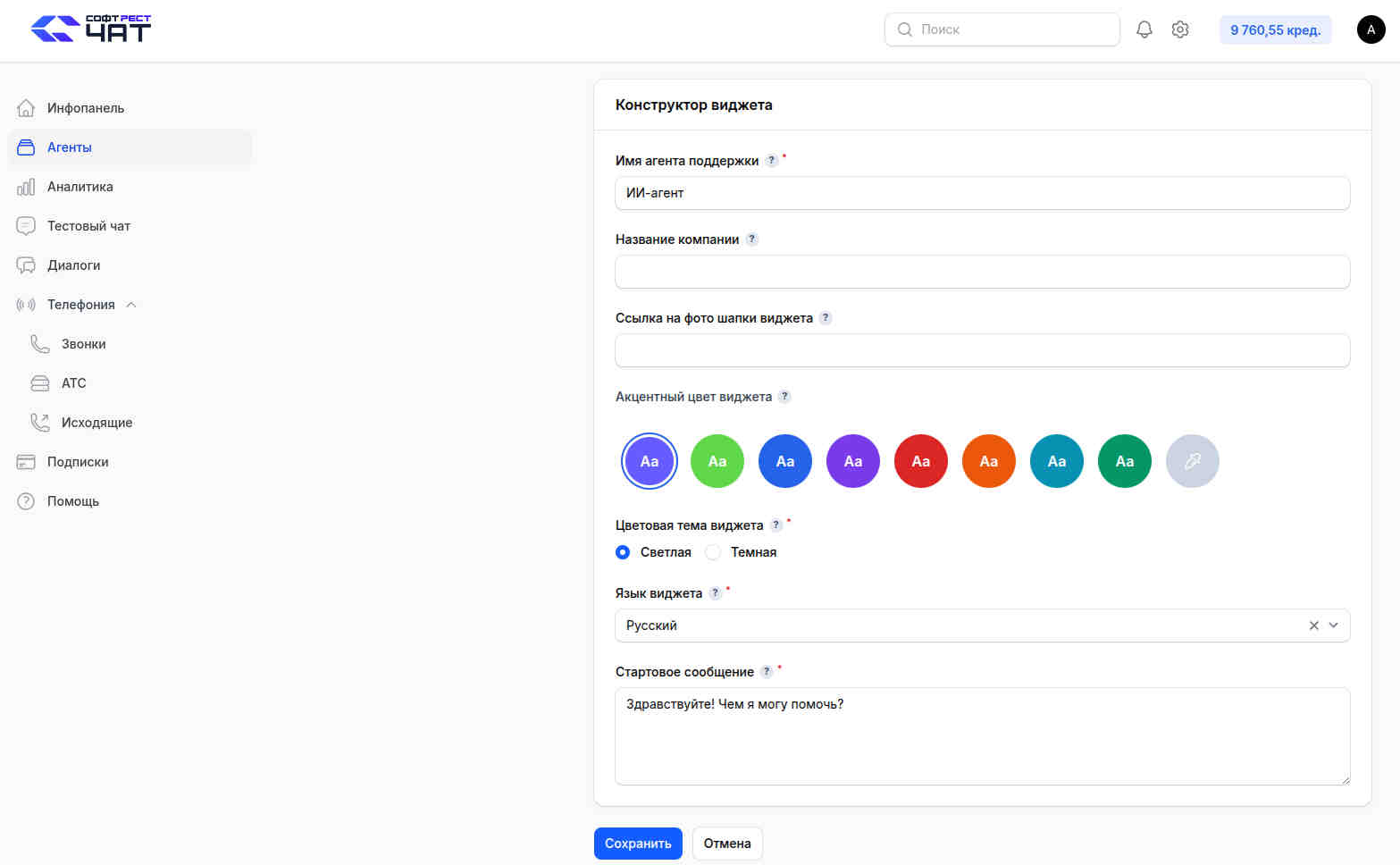
In the widget constructor, configure what the user will see. Specify the name of the support agent — it is shown in the chat header. Add the company name, a link to the photo of the widget header, choose an accent color, a light or dark theme, and the language of the widget. In the "Automatic" mode, the language is determined by the user's browser settings.
Fill out the start message separately. It is better not to limit yourself to the phrase "Hello, how can I help?". The specifics work better: for example, "I will help you choose a tariff, respond to the services and send the request to the manager." This way, a person immediately understands why to open a dialogue.
Step 5. Check the agent before the clients see it
"Site view""View widget"
Test not with beautiful questions from your head, but with real customer requests. Take 20-30 questions from correspondence and calls, check the reformulations, questions at the junction of two topics and situations where there is no answer in the knowledge base. Be sure to ask questions that the agent should not answer: he should correctly refuse or call a person, and not come up with a solution.
"Dialogues"
Step 6. Teach the agent to transfer the dialogue to the person and collect applications
functions
The function has a technical name, description, and status. The description is especially important: according to it, the agent understands when to call the function. Write it not for yourself, but for the agent: in which cases to collect the name and phone number, when to offer the operator, when to register the application.
The function parameters are data from the dialog: name, phone number, amount, city, or other attribute. Each one is given a Latin name, type, instruction, possible values, and mandatory. After the execution, you can do nothing, show the message to the user, set the interpretation instruction, or let the agent decide for himself. In the post-script, you can continue the dialogue, call the operator, or change the agent's prompt.
Sending results is available for Bitrix: creating a task, creating or transferring a transaction, updating the transaction and contact fields. The phone number is a required field, transactions and contacts are searched for and created using it. "Integration" with Bitrix24 is enabled separately through the Softrestchat application, then in the agent settings: "Integration" → "Connect" → Portal URL → authorization. To work, you need the Bitrix24 tariff with the installation of applications and the REST API.
Four mistakes that cause the AI agent on the site to start lying
Forgot to add a domain.https://
We put everything in the "Context" instead of RAG.
The instruction describes the character, not the actions.
There is no one to accept the escalation.
How much does it cost
The agent spends credits for generating responses: 1 credit is equal to 1 ₽, the minimum deposit is 1 credit, purchased loans do not burn out at the end of the month. The trial period includes 7 days and 200 bonus credits.
The "Start" tariff includes 200 credits per month and a basic set of features. The "Standard" includes 1,000 credits, RAG for large knowledge bases, and ChatGPT 5.5 support. The subscription is made to a specific agent; payment by bank card and replenishment are available after email confirmation. You can also connect your API key to the model, and additionally specify the Folder ID for Yandex models. In this case, the model is paid directly to the supplier, and the platform charges a small commission per request. Prices and tariffs should be checked before publication.
What to do next
If you need integration with CRM, 1C, or telephony and don't want to figure it out on your own, you can assemble an agent on a turnkey basis: 30,000 rubles per agent, and a pilot group is being recruited.
 Автор
Антон Амосов
Автор
Антон Амосов